
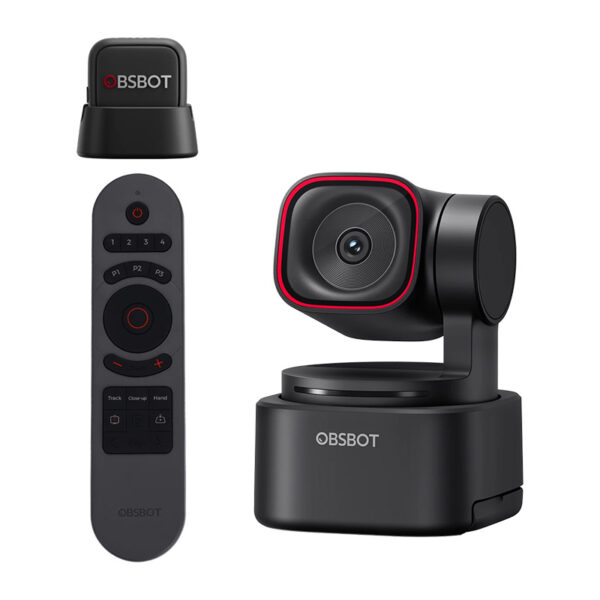
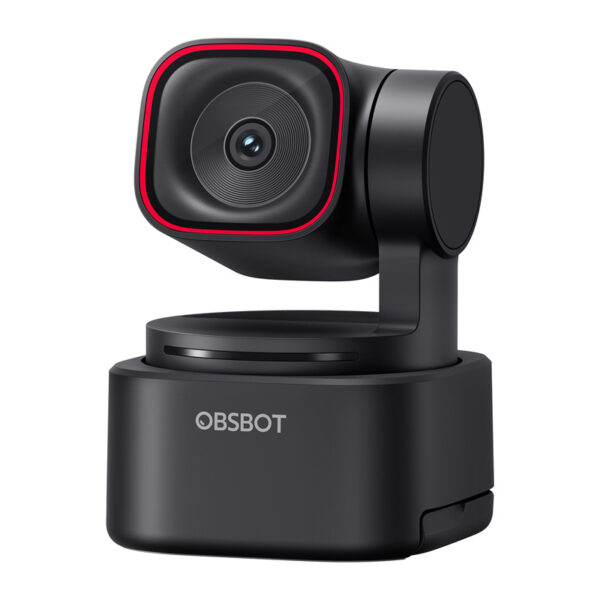
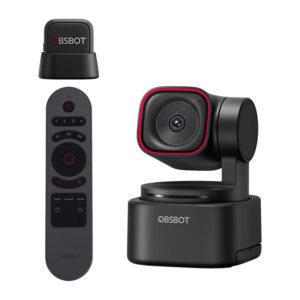
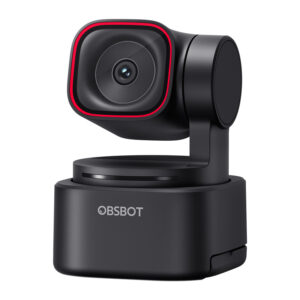
OBSBOT Tiny 3 Lite webcam with remote control and microphone
348,75 €
Užsakomoji prekė.
Numatoma atsiėmimo*/išsiuntimo** data:
 2026-04-10
*atsiėmimo taške Ozo g. 20, Vilnius
**pristatymas kurjeriu papildomai 1-2 darbo dienos nuo išsiuntimo
- Aprašymas
- Atsiliepimai (0)
Aprašymas
OBSBOT Tiny 3 Lite webcam with remote control and microphone
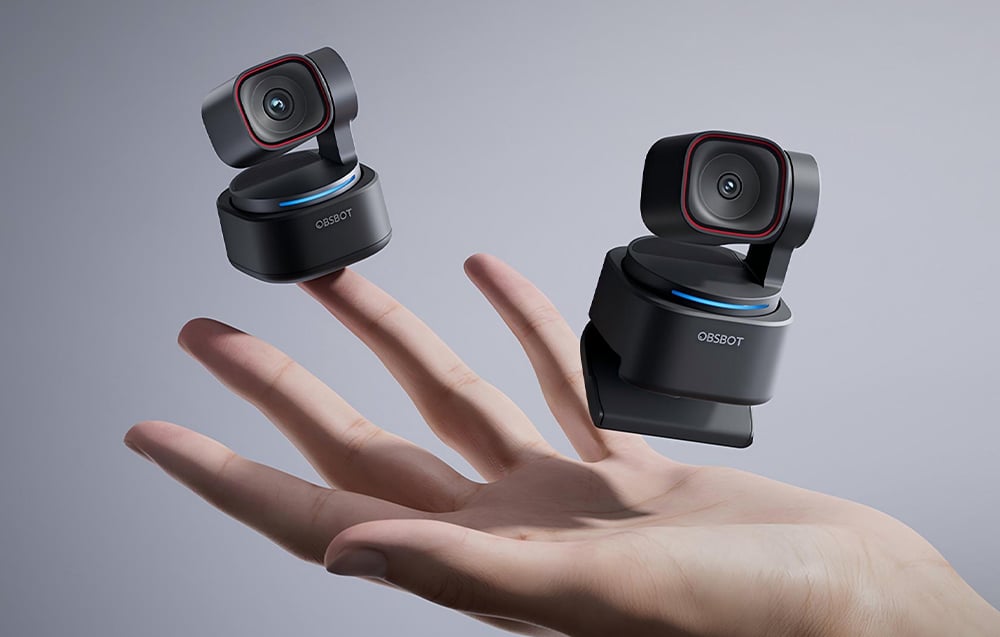
OBSBOT Tiny 3 Lite is a modern webcam that combines 4K image, advanced AI features, and studio-grade spatial sound in a compact form. It is designed for creators, streamers, online teachers, and professionals working remotely. With intelligent motion tracking, voice and gesture control, smooth video up to 120 fps, and extensive creative software, Tiny 3 Lite automatically adjusts the frame and sound to the situation, allowing you to focus on your work, studies, or content creation without constantly adjusting settings. The set includes the OBSBOT Tiny Smart Remote 2 and the OBSBOT Vox SE wireless microphone.
Advanced 4K image in all conditions
The high image quality of the OBSBOT Tiny 3 Lite is ensured by a 1/2" CMOS sensor based on Exmor RS architecture with Quad Bayer technology, which provides a clear, detailed image and very good performance in low light. The stacked CMOS Exmor RS architecture separates the light-sensing layer from the signal processing layer, resulting in faster data readout, better detail, and more effective HDR performance in high-contrast scenes. Quad Bayer technology combines four adjacent pixels into one larger pixel, increasing the sensitivity of the sensor and improving image quality in low light. The camera records 4K video at 30 frames per second and offers 1080p at up to 120 fps, resulting in exceptionally smooth motion and the ability to create impressive slow-motion shots. A wide ISO sensitivity range of 100-6400 allows you to preserve natural colors and details in both bright offices and low-light recordings. HDR support further improves the balance between light and dark areas of the image, keeping faces clearly visible even in high-contrast scenes.
Intelligent tracking and dynamic framing
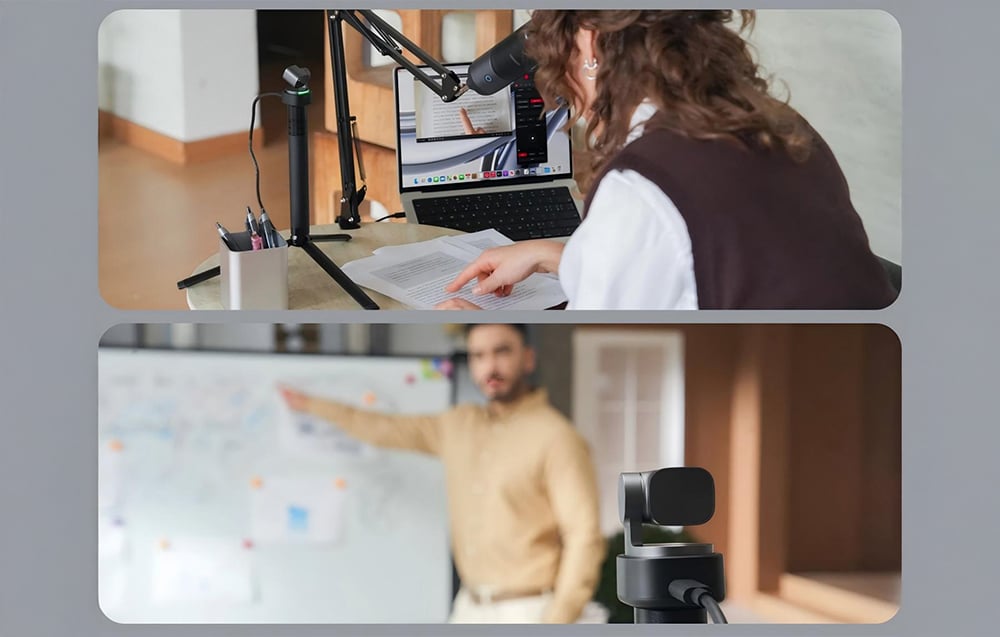
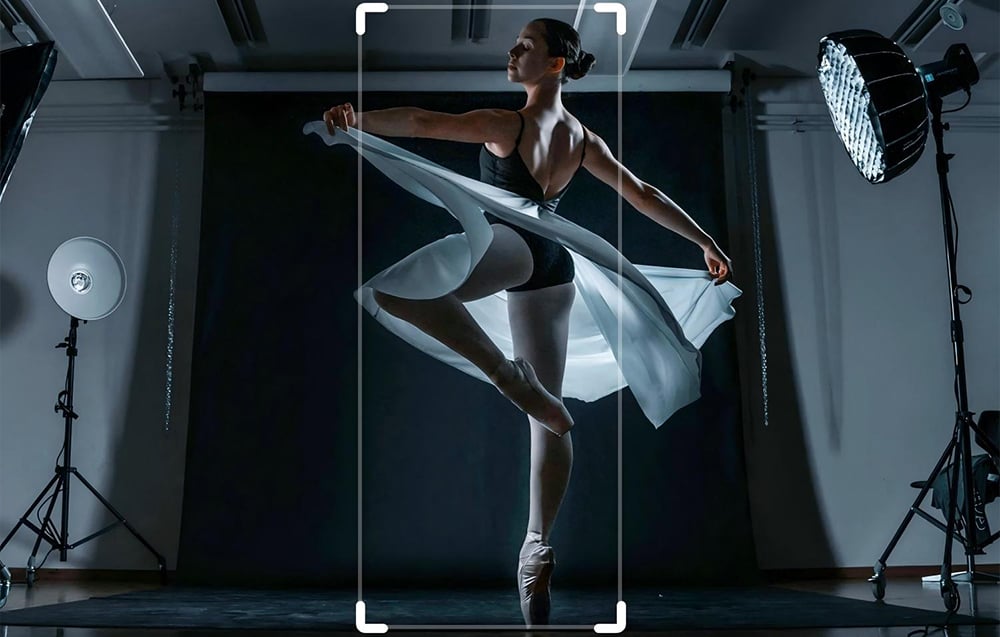
The OBSBOT Tiny 3 Lite camera uses AI Tracking 2.0, which automatically recognizes the user and keeps them in the center of the frame regardless of movement, position changes, or work pace. The system offers an Only Me mode that precisely locks onto a single user, ignoring bystanders and random movements in the background, which significantly reduces the risk of losing the target or switching tracking incorrectly. The Auto Zoom feature dynamically adjusts the frame to the scene, offering a variety of shot styles, from close-ups to full-body shots, while Zone Tracking allows you to define areas of active and inactive tracking. In addition, Face Framing automatically adjusts the frame composition to the direction in which the face is turned, ensuring more natural and balanced shots during conversations, interviews, and podcasts. The camera also supports Hand Tracking as a dedicated AI mode, ideal for cooking, DIY, or manual presentations where tracking the hand rather than the entire body is crucial.
Studio-quality spatial audio
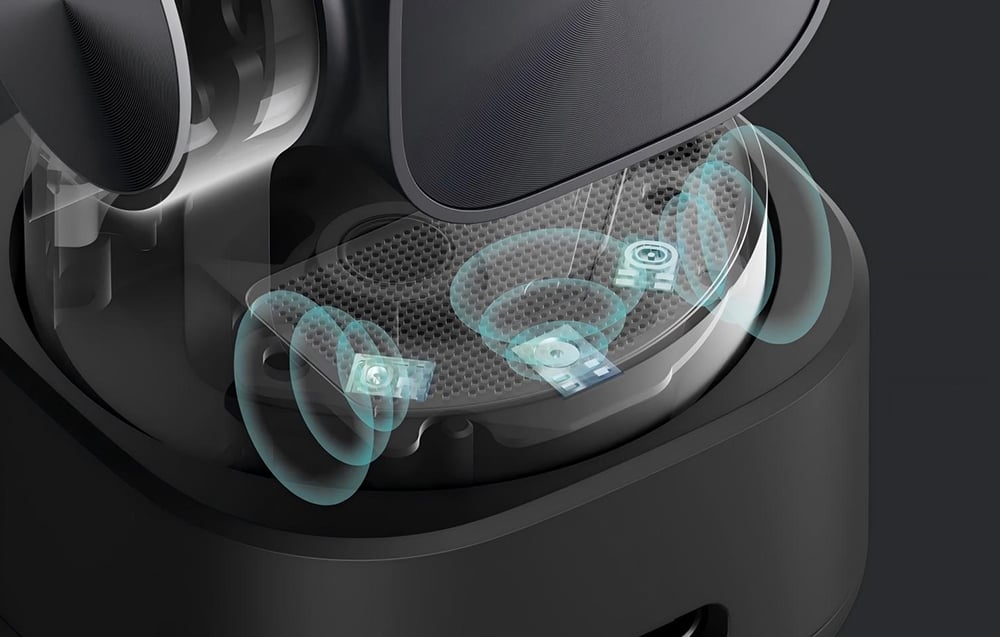
The audio recording system is designed for maximum clarity in real-world conditions. The camera uses a system of three Silicon MEMS microphones—one omnidirectional and two directional—manufactured using semiconductor technology, which guarantees repeatable quality, high precision, and significantly lower distortion than standard electret microphones. MEMS microphones maintain sound clarity even at very high volume levels (up to 130 dB SPL), offer a flat response of 50 Hz–20 kHz and a signal-to-noise ratio of 69 dB, which translates into natural, full-bodied speech. There are five audio modes available to the user: Pure Audio Mode for recordings requiring full control in post-production, Spatial Audio Mode for creating a sense of space, Smart Omni Mode for group meetings, Directional Mode for working in noisy environments, and Dual-Directional Mode for face-to-face conversations where voice separation is important.
Voice Locator – sound that guides the frame
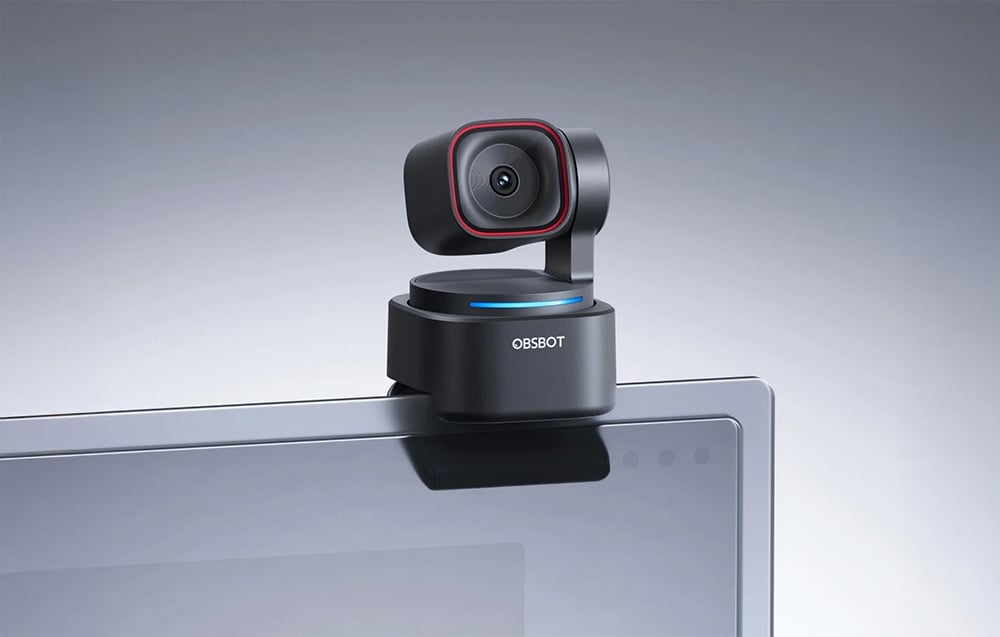
OBSBOT Tiny 3 Lite not only records sound, but also recognizes its direction using the Voice Locator feature. Thanks to spatial audio analysis, the camera automatically rotates the lens towards the speaker and begins active tracking without the need for manual intervention. Combined with voice control, this solution allows you to start a meeting, presentation, or recording from anywhere in the room – without approaching the device and without interrupting your work. This feature is particularly useful during interviews, team meetings, and dynamic recordings, where natural interaction and smooth shots are crucial.
Voice control
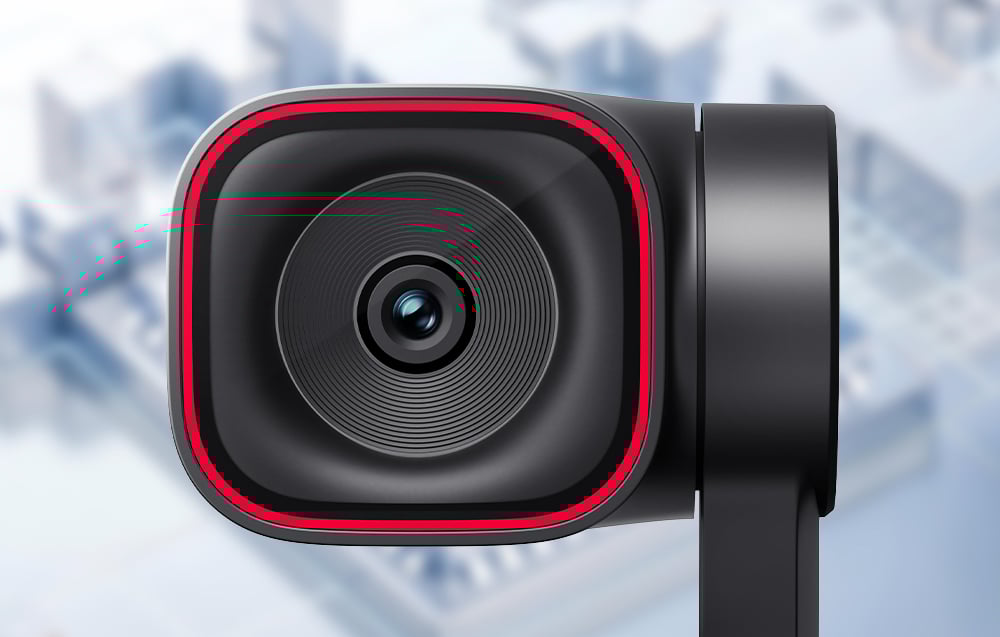
Voice control allows you to manage the camera in a natural and completely touchless way, which significantly increases the comfort of work during meetings, presentations, and recordings. With simple voice commands, you can activate or put the device to sleep, turn tracking on and off, adjust the zoom, and switch between saved frame positions—without reaching for a mouse, keyboard, or remote control. This solution will be particularly appreciated by people conducting online training, streams, or presentations while standing, where smooth communication and continuity of recording are important. Thanks to the integration of voice control with AI systems, the OBSBOT Tiny 3 Lite model reacts immediately and precisely, adapting to the user's pace of work and eliminating the need for manual control of settings during operation.
Real-time remote camera control
The RTC Remote Interaction feature extends the capabilities of the OBSBOT Tiny 3 Lite beyond standard webcam applications, allowing remote control of the device via a web browser—without the need to install additional software. You can adjust the camera movement (pan, tilt, zoom), select the AI tracking target, and adjust the frame settings in real time, while receiving an HD preview with very low latency. The transmission works in 720p, with a delay of less than 200 ms, which allows you to really "direct" the shot remotely – even when the camera and operator are in different locations. This solution works well for remote recording direction, online training, monitoring, or teamwork, where the operator and camera are in different locations. Tiny 3 Lite allows you to maintain full control over the shot, regardless of where you are working from. Note: RTC Remote Interaction is an OBSBOT cloud feature and will require an active subscription after commercial launch.
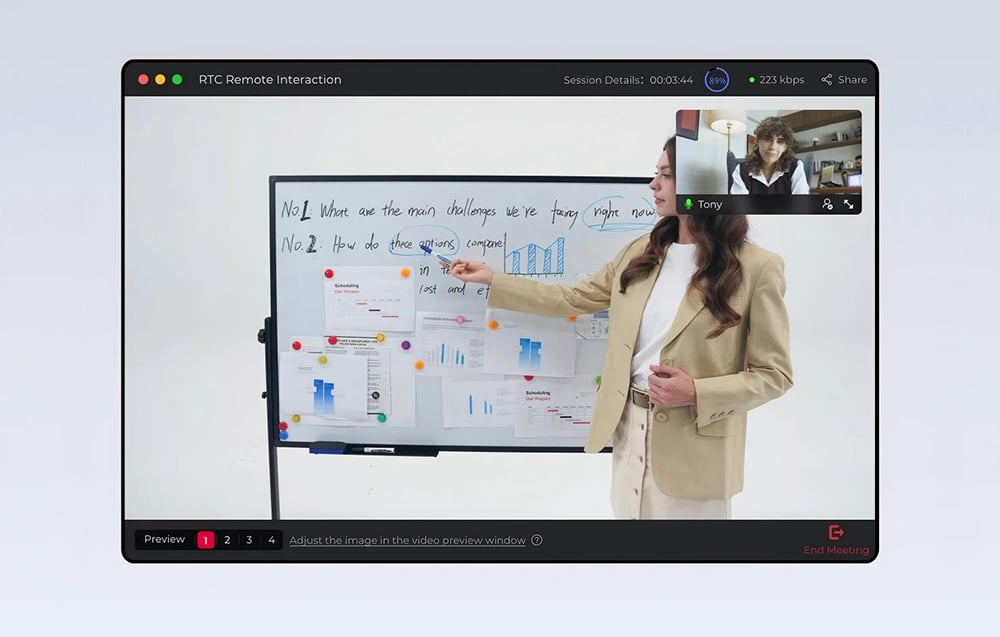
Compact design and versatile mounting
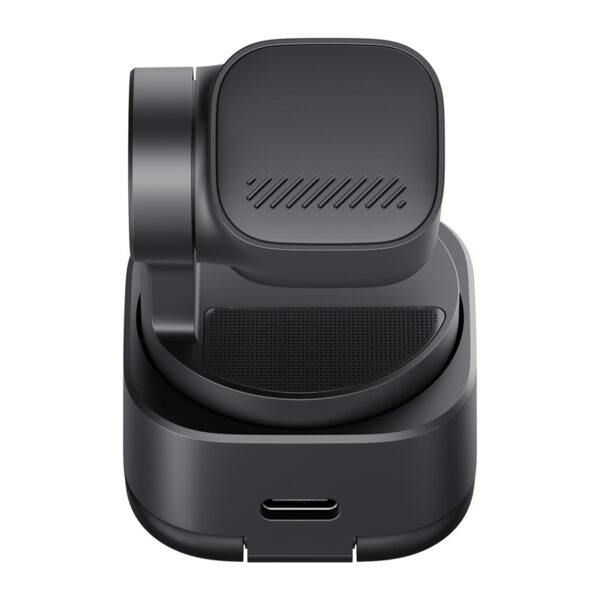
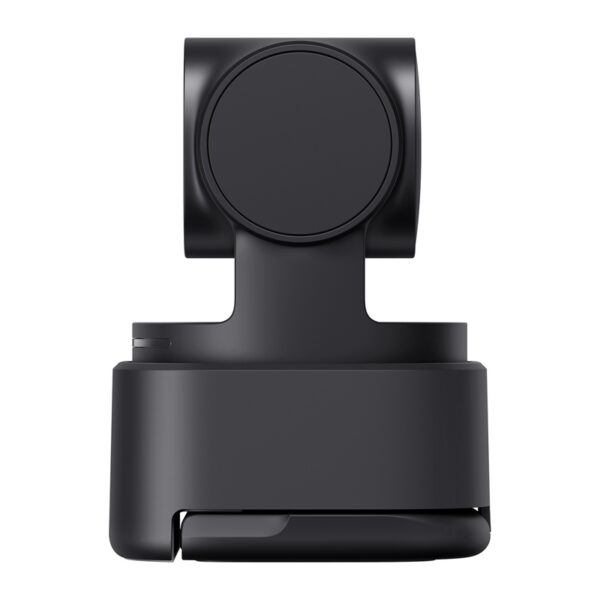
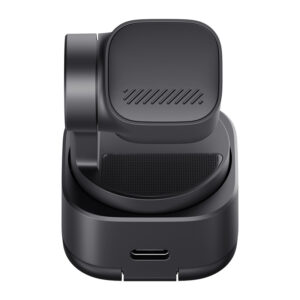
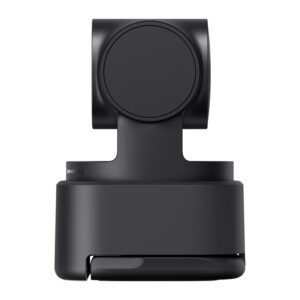
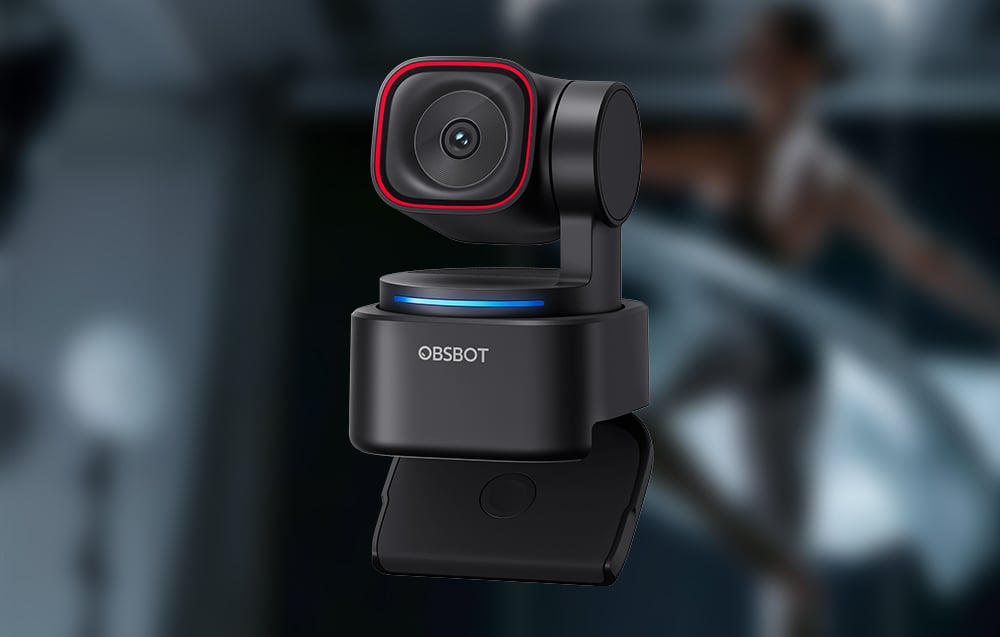
The compact housing, weighing only 73 g, allows the camera to fit easily on a desk, monitor, or work bag without dominating the workspace. The integrated 2-axis gimbal ensures stable and smooth tracking while allowing for precise viewing angle adjustment depending on the scenario. The built-in stand allows for quick setup without additional accessories, and the standard 1/4" thread opens the way for tripod mounting. The design supports various installation modes – classic, vertical, downward-facing, and inverted – making the Tiny 3 Lite suitable for both office work and demonstration, educational, or creative recordings, where flexibility of setup is crucial.
Dedicated software
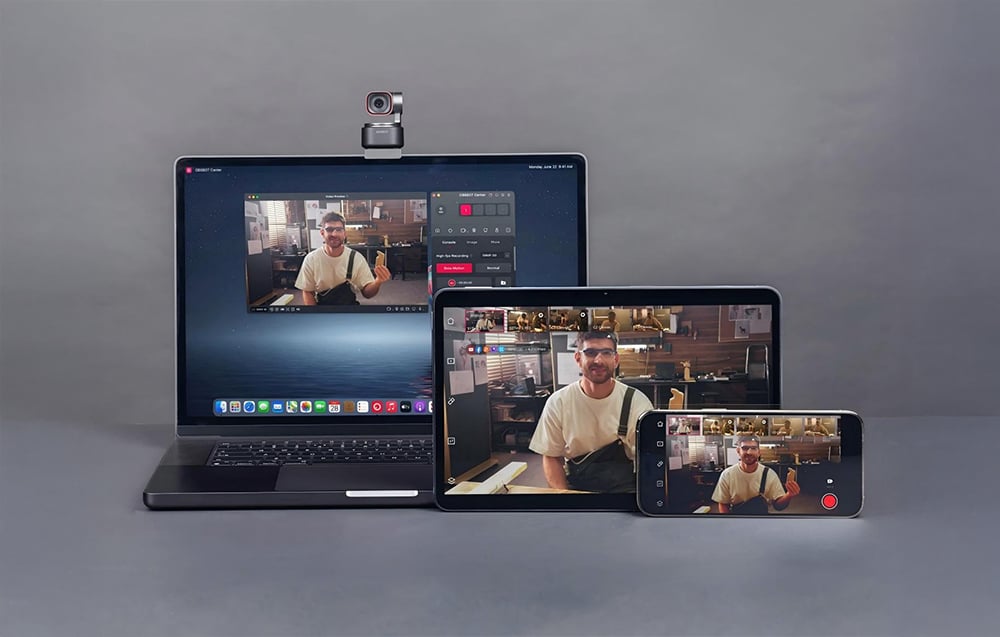
OBSBOT Tiny 3 Lite works with the comprehensive OBSBOT Center software, which allows you to fully utilize its potential and precisely customize its operation to suit your own working style. From within the app, you can manage framing, activate AI features, save preset gimbal positions, and manually adjust image parameters such as exposure, gamma curve, and color balance (Red/Blue Gain). For more advanced applications, professional image adjustment tools are also available, such as Exposure Curve (precise control of shadows, midtones, and highlights without changing the overall exposure) and AWB Shift (precise adjustment of the automatic white balance towards warmer or cooler tones). The camera also offers Beauty Mode, as well as NVIDIA Maxine Eye Contact, which corrects the line of sight in real time so that the other person perceives eye contact even when you are looking at the screen. In addition, Green Screen Enhancement improves background keying, providing cleaner edges and a more natural effect when working with a green screen.
Production tools for recording and broadcasting
Built-in creative tools significantly expand the camera's capabilities for online work and content creation. Picture-in-picture (PiP) mode allows you to simultaneously display camera footage and screen content, which is ideal for training, presentations, and tutorials. The integrated teleprompter makes it easy to record smoothly without taking your eyes off the lens, and the overlay feature allows you to add graphics, text, clocks, or information elements directly to the video stream. In OBSBOT Center, you can also upload your own video clip or image to display during breaks in the live broadcast, allowing you to maintain a professional look for your stream without a "dead" frame. These solutions make Tiny 3 Lite a complete tool for broadcasting, education, and creating professional video content—without the need for additional software.
Virtual presence and VTubing without additional equipment
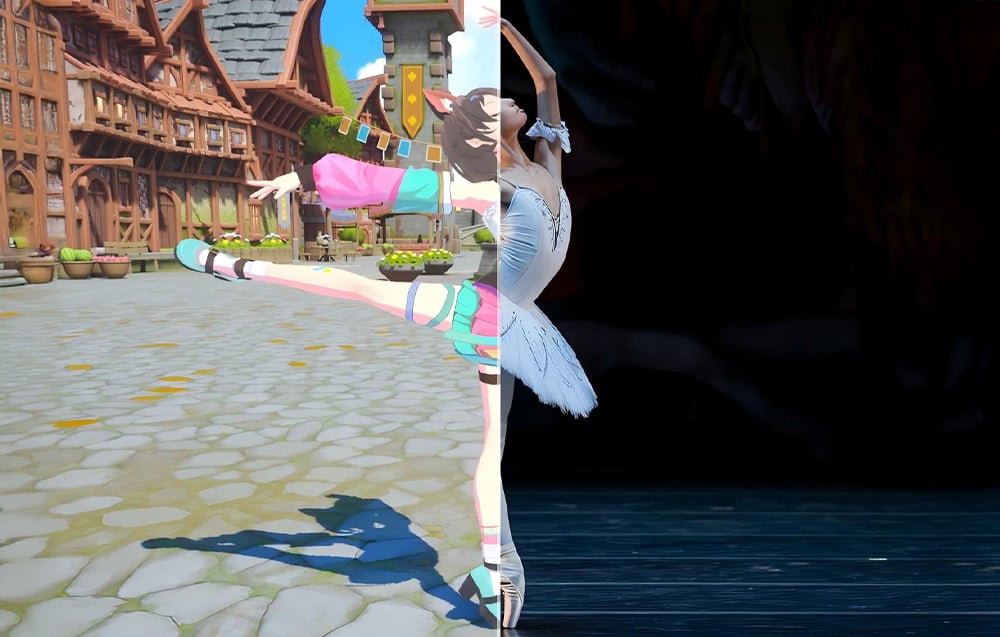
The Tiny 3 Lite model also offers advanced virtual features as part of OBSBOT Avatar & Virtual Voice, allowing you to create a complete VTubing system without the need for additional cameras, motion sensors, or complicated software. With motion capture and intelligent camera operation, users can control ready-made avatars, use predefined scenes, and change their voice in real time. This solution allows you to start virtual broadcasting almost immediately – just select a character and environment to conduct streams, presentations, or online meetings in virtual form, while maintaining natural movement expression and professional shot dynamics.
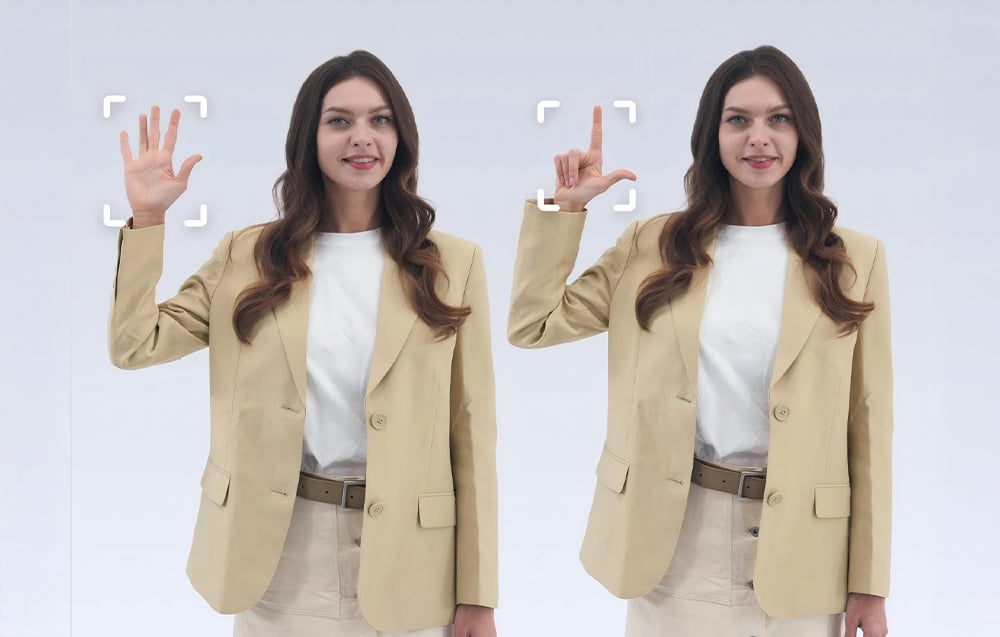
OBSBOT ecosystem and expandability
The OBSBOT Tiny 3 Lite camera is designed as part of a broader ecosystem that allows you to easily expand your recording station as your needs grow. The device works with the OBSBOT Vox SE wireless microphone, providing complete freedom of movement and clear sound without cables, as well as with the OBSBOT Tiny Smart Remote 2, enabling physical control of the frame and AI functions. Support for Elgato Stream Deck controllers, SDK and OSC protocols, and the ability to extend the video signal using UVC to HDMI or NDI adapters make the Tiny 3 Lite a perfect fit for both simple desktop configurations and more advanced streaming or educational setups.
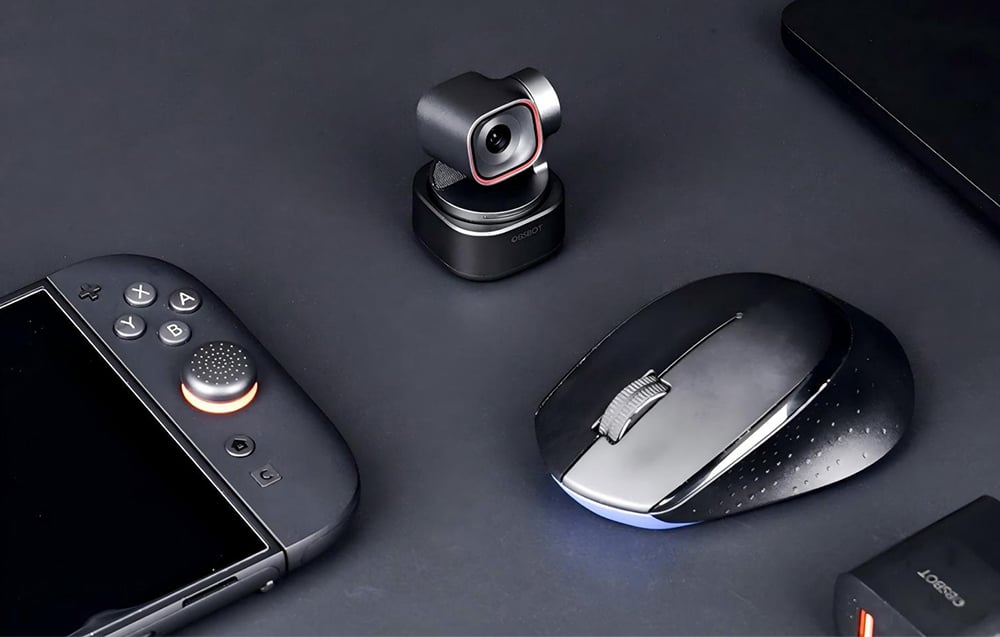
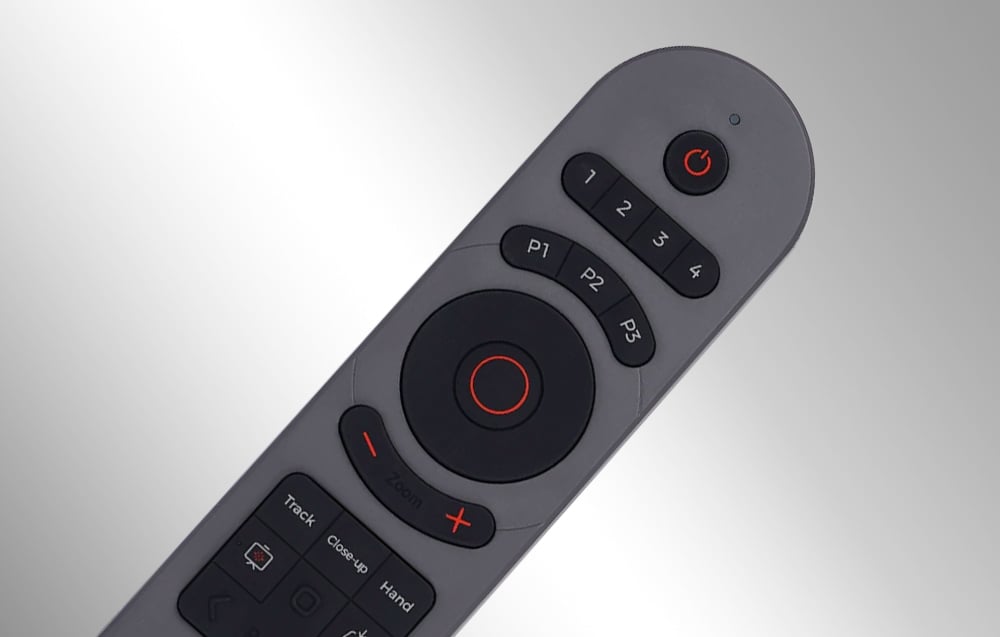
Remote control and presenter in one
The set includes the OBSBOT Tiny Smart Remote 2, which combines the functions of a camera remote control and a presenter. With a single device, you can manually control gimbal movement, zoom, and preset frame positions, as well as instantly activate key AI features such as person tracking, zoom mode, Desk Mode, and Hand Tracking. The remote also allows for convenient control of presentations, offering buttons for changing slides, full-screen mode, and a laser pointer, making it a practical tool for training sessions, lectures, and live presentations. Physical buttons and an ergonomic layout make camera and presentation control intuitive even during dynamic presentations, without the need for a mouse, keyboard, or application.
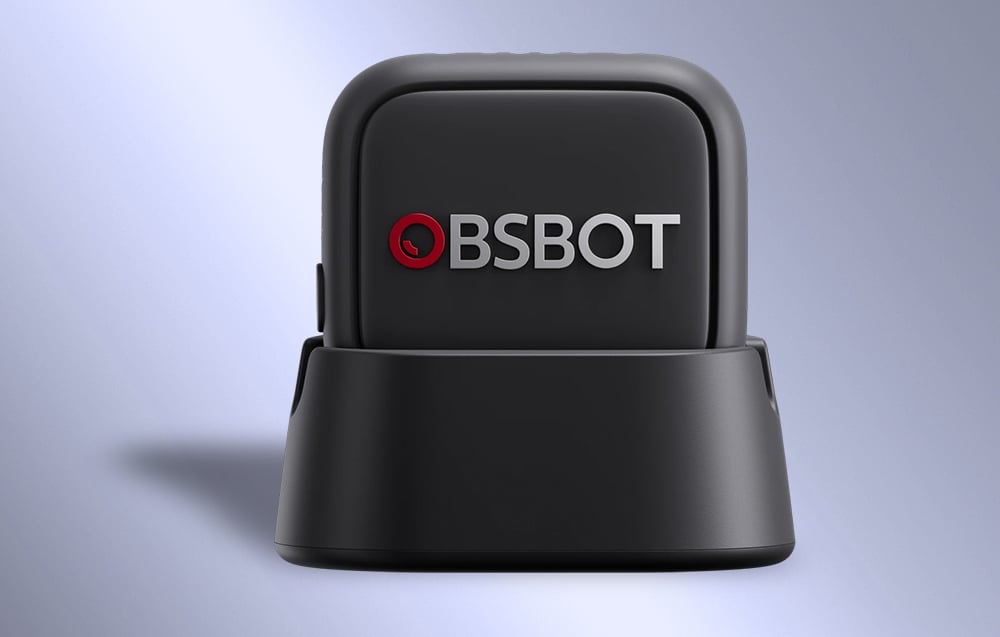
OBSBOT Vox SE wireless microphone included
The OBSBOT Vox SE lapel microphone significantly expands your audio recording capabilities and gives you complete freedom of movement while working. It records voice with high precision thanks to 48 kHz / 24-bit sampling and supports very high SPL levels, which translates into clear, natural speech even during dynamic speeches. Wireless transmission ensures a stable connection and low latency, and one-time pairing allows the microphone to automatically connect to the camera each time it is turned on. Vox SE offers up to 20 hours of continuous operation on a single charge and three levels of noise reduction that can be adjusted to suit the recording conditions. With its lightweight design and flexible wearing options, the microphone is ideal for presentations, training sessions, interviews, and on-the-go recording, allowing you to maintain professional sound quality without limiting your mobility.
Included:
- OBSBOT Tiny 3 Lite webcam
- OBSBOT Tiny Smart Remote 2 remote control
- OBSBOT Vox SE microphone
- USB-C to USB-C cable
- USB-C to USB-A adapter
General
| Manufacturer | OBSBOT |
|---|---|
| Model | Tiny 3 Lite |
| Dimensions | 41 × 41 × 58 mm |
| Weight | 73 g |
Camera
| Sensor | 1/2" CMOS |
|---|---|
| Effective pixels | 48 MP |
| Aperture | f/1.8 |
| Maximum video resolution | 4K @ 30 fps / 1080p @ 120 fps |
| Resolution and frame rate | MJPEG: 3840 × 2160 @ [30, 29.97, 25, 24, 20, 15] / 1920 × 1080 @ [120, 60, 59.94, 50, 30, 29.97, 25, 24, 20, 15] / 1280 × 720 @ [120, 60, 59.94, 50, 30, 29.97, 25, 24, 20, 15] YUV: 640 × 480 @ [30, 25, 24, 20, 15] / 640 × 360 @ [30, 25, 24, 20, 15] |
| Zoom range | 4× digital zoom |
| Field of view (FOV – diagonal) | 79.1° (4:3) 72° (16:9) |
| Field of view (FOV – horizontal) | 66.9° |
| Focal length equivalent | 25 mm |
| Focus type | AF (PDAF) / MF |
| Focus range | 10 cm – ∞ |
| HDR | Yes, up to 30 fps |
| Exposure compensation | ±3 EV |
| ISO | 100–6400 |
| Electronic shutter | 1/12,800 – 1/30 s |
White balance and color
| White balance | Auto |
|---|---|
| Auto white balance correction | Horizontal axis (left–right): B–A, step 0.25, range 0–7 Vertical axis (up–down): G–M, step 0.25, range 0–7 |
| Color temperature | 2000–10,000 K |
| Color gain | Red Gain: 0–255 Blue Gain: 0–255 |
Connectivity
| Interface | USB |
|---|---|
| USB standard | USB 2.0 |
| Video standard | UVC |
Gimbal
| Design | 2-axis gimbal |
|---|---|
| Gimbal mount | Non-replaceable |
| Control range | Pan: ±130° Tilt: +32° to −60° |
| Mechanical range | Pan: ±150° Tilt: ±90° |
| Maximum control speed | 120°/s |
Audio
| Built-in microphone | Yes |
|---|---|
| Audio system | Smart directional microphone system (1 × omnidirectional + 2 × directional) |
| Audio modes | (at 1080p @ 120 fps, only Smart Omni Mode is available) Pure Audio Mode – independent left/right channels, no signal processing, pure original sound Spatial Audio Mode – independent left/right channels, enhanced spatiality thanks to AI and dynamic amplification Smart Omni Mode – even sound recording from all directions, intelligent balance of voice and environment Directional Mode – precise sound recording from the front, suppression of ambient sounds Dual-Directional Mode – sound recording from the front and rear, filtering of side sounds (all modes except Pure Audio Mode use automatic AI amplification and noise reduction) |
| External audio devices | Supports connection with Vox SE |
Control
| Voice control | Hi Tiny / Sleep Tiny Track me / Unlock me Zoom in / Zoom out Position 1 / 2 / 3 |
|---|---|
| Gesture control | Target selection Zoom (custom multiplier + dynamic zoom in/out) |
Power
| Power | 5 V / 0.5 A |
|---|
System requirements
| Windows | Windows 10 (64-bit) or later |
|---|---|
| macOS | macOS 11.0 or later |
| Recommended for 1080p 120 fps or 4K | Apple: MacBook Pro (2020, M1 or later), MacBook Air (2020, M1 or later), Mac mini (2020, M1 or later), iMac (2021, M1 or later) PC: CPU: Intel® Core™ i5 10th generation or later, RAM: 8 GB |
Operating conditions
| Camera operating temperature | 0°C to 40°C |
|---|
Microphone
| Compatibility | OBSBOT Tiny 3/3 Lite webcams |
|---|---|
| Dimensions | 28.53 × 25.47 × 11.5 mm (length × width × height) |
| Weight | Approximately 9 g (without magnetic clip) |
| Operating time | Up to 20 hours |
| Microphone directionality | Omnidirectional |
| Sensitivity | -37 dBFS ±1 dBFS @ 1 kHz, 94 dB SPL |
| Maximum sound pressure level (SPL) | 123 dB SPL |
| Signal-to-noise ratio (SNR) | 68 dBA |
| Frequency response | 50 Hz – 20 kHz |
| Sampling frequency and bit depth | 48 kHz / 24-bit |
| Wireless transmission mode | GFSK 2 Mbps |
| Battery voltage | 3.7 V (actual operating voltage: 3.3–4.4 V) |
| Operating range | Up to 100 m (measured in an open, interference-free and obstacle-free environment – approximate value) |
| Battery capacity | 170 mAh |
| Operating temperature range | 0°C to 40°C |
| Latency | 22 ms |
Rašyti atsiliepimą gali tik prisijungę pirkėjai, kurie yra įsigiję šį produktą.



Atsiliepimai
Atsiliepimų dar nėra.