
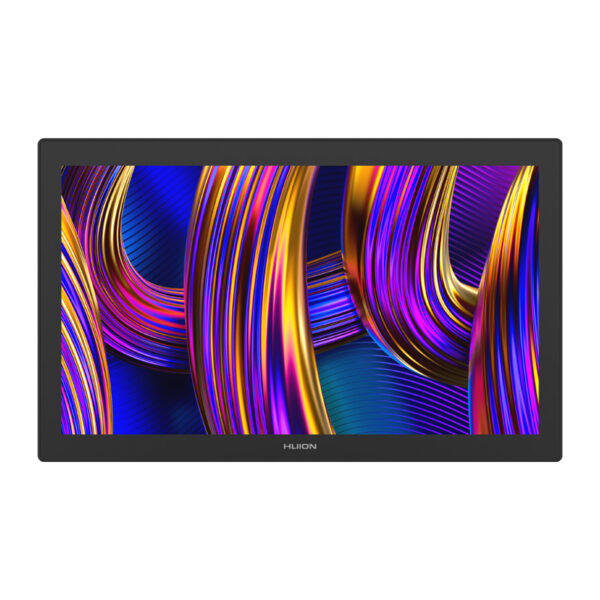
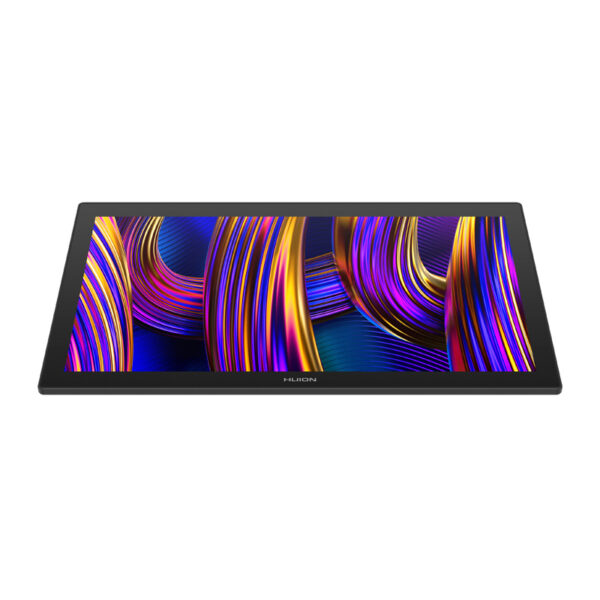
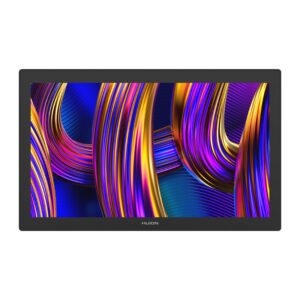
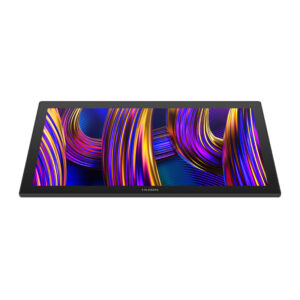
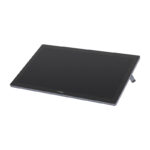
Huion Kamvas Pro 27 144Hz GT2702 grafinė planšetė
999,00 €
Užsakomoji prekė.
Numatoma atsiėmimo*/išsiuntimo** data:
*atsiėmimo taške Ozo g. 20, Vilnius
**pristatymas kurjeriu papildomai 1-2 darbo dienos nuo išsiuntimo
Pranešti kai prekė vėl bus prekyboje
- Aprašymas
- Atsiliepimai (0)
Aprašymas
Huion Kamvas Pro 27 144Hz GT2702 graphics tablet
The Huion Kamvas Pro 27 is a flagship pen display model that was created for the most demanding graphic designers, illustrators, designers and animators. With an impressive 27-inch screen diagonal and 144Hz refresh rate, the device offers an exceptionally smooth and realistic experience for creative work. This state-of-the-art tool combines professional color reproduction technology with a new generation of precision pen and an improved work surface to create a complete working environment for the digital artist.

Superior image quality and smooth performance
The Kamvas Pro 27 features a 4K UHD screen with a resolution of 3840 × 2160 pixels, providing exceptional sharpness and detail in the displayed image. A refresh rate of 144 Hz translates into much smoother cursor movement and better synchronization with pen movement. The device offers a wide color gamut, covering up to 99% of the Adobe RGB space, 99% of sRGB and 97% of DCI-P3. Each unit of the tablet undergoes factory color calibration, and the manufacturer includes a report with the results, which guarantees that the displayed colors are consistent with reality.

Two professional pens included – full freedom of choice
The Huion Kamvas Pro 27 (144Hz) comes with two new-generation battery-free digital pens that differ in design and functionality, giving the user the ability to customize the tool to suit their needs. The PW600 is designed with advanced control in mind – it features three programmable side buttons and an eraser, allowing quick access to multiple shortcuts and tools. The PW600S, lighter and thinner than its counterpart, features two side buttons and an eraser, offering a sleeker, more minimalist design. This design makes the pen sit better in the hand for those who prefer thinner tools, making it more comfortable for precision sketching and detail work. Both pens use PenTech 4.0 technology, support 16,384 levels of pressure sensitivity, recognize angles up to 60°, require no batteries and operate with high responsiveness even at the lightest touch. A set of interchangeable tips is also included.

Canvas Glass 3.0 – a realistic paper-like working experience
The new generation of Canvas Glass 3.0 protective glass is designed to replicate the natural feel of working on traditional paper. The fine texture on the surface of the screen provides adequate resistance under the pen and affects the comfort of work. The anti-reflective coating reduces glare, while the anti-fingerprint layer effectively prevents dirt. Thanks to the applied nano-texture, the image becomes clearer, and the level of graininess is reduced by up to 14%, which is important when working for hours with graphics.

Durability and longevity without compromise
The Kamvas Pro 27’s working surface features high scratch resistance, eliminating the need for additional protective films. The 7H hardness glass used surpasses standard pen tips, which have a hardness of 5H, in terms of durability. This combination ensures that the screen will remain in excellent condition even under heavy use.

Laminated screen – maximum precision and no parallax
The screen on this model has been fully laminated, which means that the LCD layer is directly connected to the glass without an air gap. This solution effectively eliminates the parallax effect, i.e. the shift between the pen tip and the line being drawn. As a result, the user can enjoy greater precision, especially when working with details or thin lines. Full lamination also improves brightness and color accuracy.

Touch support and expanded control options
Kamvas Pro 27 supports multi-touch gestures, allowing users to conveniently pan, zoom and rotate images without using a mouse or keyboard shortcuts. This feature is currently available on Windows. In addition, the tablet works with Bluetooth, single-sided or full-size keyboards, as well as the dedicated Huion Keydial KD100 controller (not included), which allows quick access to the most frequently used functions.

Thoughtful design and wide compatibility
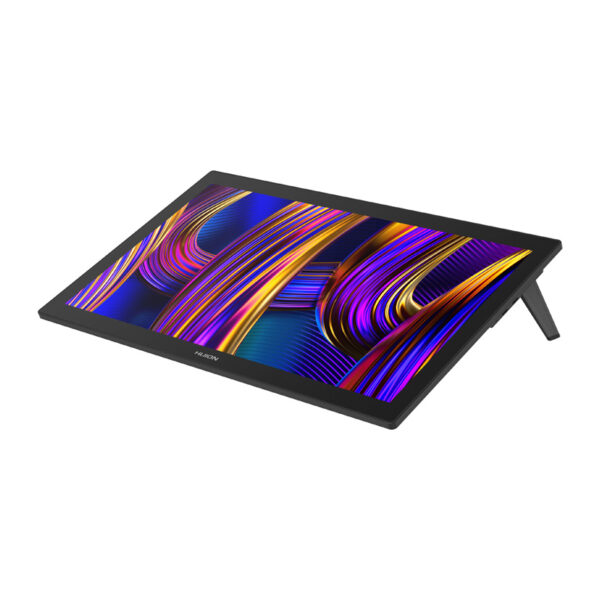
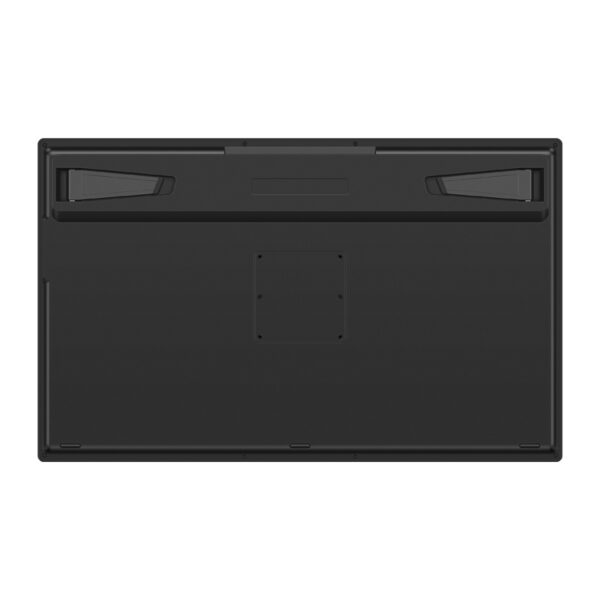
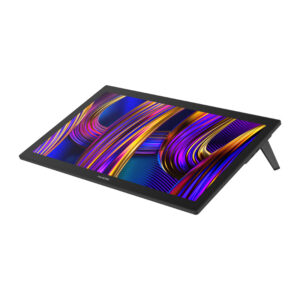
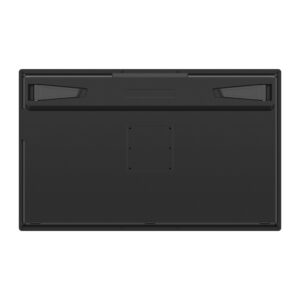
The tablet comes with built-in stands that allow the screen to be positioned at a 20-degree angle for improved ergonomics. It is also possible to mount it on mounts compatible with the VESA 100×100 mm standard, allowing even more flexibility in adjusting the workstation. Ports located on the top of the device allow for aesthetically pleasing and convenient cable management, while full-featured HDMI, DisplayPort and USB-C connectors ensure broad compatibility with computers and mobile devices.

Support for multiple systems and graphics programs
Kamvas Pro 27 works with both Windows and macOS, as well as Linux and selected Android devices that support USB 3.1 with DP 1.2. The device is fully compatible with most professional graphics programs, such as Adobe Photoshop, Illustrator, After Effects, Clip Studio Paint, Affinity, ZBrush, Blender, Corel Painter, Krita and many others. In addition, users can configure keyboard shortcuts, pen functions and workspace individually for each program.

Included
- Kamvas Pro 27 (144 Hz) pen display
- AC power adapter (AC Power Adapter)
- AC power cable (1.5 m)
- HDMI cable (1.8 m)
- USB-C cable (1.8 m)
- USB-A to USB-C cable (1.8 m)
- PW600 digital pen
- PW600S digital pen
- 5 standard tips PN06
- 5 felt tips PN06F
- Pen case (with built-in handle for pulling out the tips)
- K40 Keydial Remote
- Cleaning cloth
- Glove
- Quick start guide
- G1 GTCOLOR Calibrator
| Manufacturer | Huion |
|---|---|
| Model | GT2702 |
| Screen diagonal | 27 inches |
| Resolution | 3840 × 2160 (UHD, 16:9) |
| Matrix type | IPS, 48-144 Hz |
| Working area | 596.7 × 335.7 mm |
| Contrast ratio | 1000:1 |
| Brightness | 300 nits (max) |
| Response time | 5 ms (typical) |
| Viewing angles | 89° (up/down/left/right), CR ≥ 10 |
| Color depth | 16.7 million (8 bits) |
| Color space coverage | 99% sRGB; 98% AdobeRGB; 98% DCI-P3; 98% Display P3 |
| Pen technology | EMR PenTech 4.0 |
| Included pens | PW600 (standard) and PW600S (slim) |
| Pressure sensitivity | 16,384 levels |
| Accuracy | ±0.3 mm (center), ±2 mm (corners) |
| Minimum detection height | ≤ 8 mm |
| Reporting frequency | ≥ 260 PPS |
| Touch function | 10-point capacitive touch |
| Interfaces and connectors: | HDMI 2.1; DisplayPort 1.4; USB-C; DC (power); USB-A 2.0 × 2; 3.5mm headphone jack |
| Dimensions | 656.1 × 405 × 22.7 mm |
| Net weight | 7.2 kg |
| Color | Black |
| Screen coating | 3rd generation Anti-glare Etched Glass + anti-fingerprint coating |
| Lamination | Full lamination of the screen (Full Lamination) |
| System compatibility | Windows 10 or later; macOS 10.12 or later; Android 6.0 or later; Linux (Ubuntu 20.04 LTS) |
Rašyti atsiliepimą gali tik prisijungę pirkėjai, kurie yra įsigiję šį produktą.





Atsiliepimai
Atsiliepimų dar nėra.