


Apsauginė plėvelė su privatumo filtru Spigen SAFE VIEW MacBook Pro 14 M1 / M2 / M3 / M4 / M5 2021-2025 PRIVACY
24,35 €
Užsakomoji prekė.
Numatoma atsiėmimo*/išsiuntimo** data:
*atsiėmimo taške Ozo g. 20, Vilnius
**pristatymas kurjeriu papildomai 1-2 darbo dienos nuo išsiuntimo
Pranešti kai prekė vėl bus prekyboje
- Aprašymas
- Atsiliepimai (0)
Aprašymas
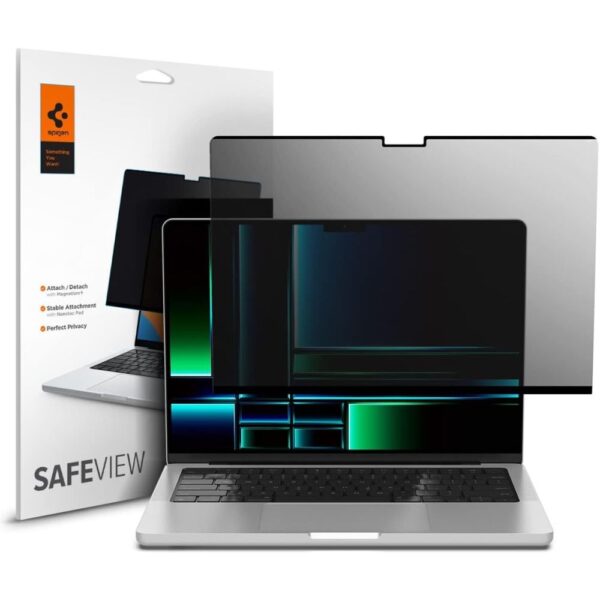
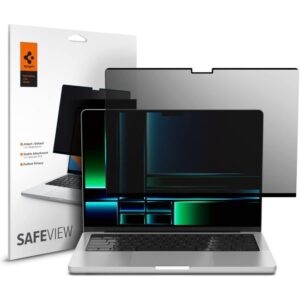
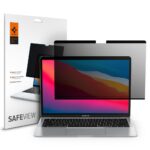
The Spigen SafeView privacy screen protector is a magnetic privacy filter. Thanks to its innovative, adhesive-free mounting system, the screen protector combines privacy protection with everyday convenience and environmental friendliness.
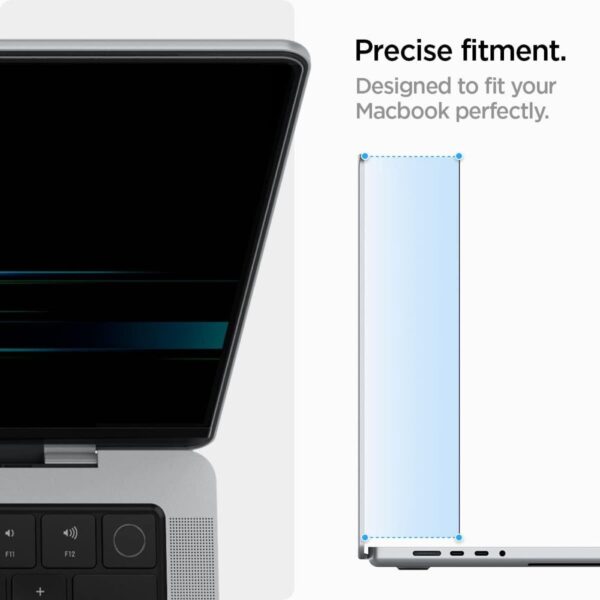
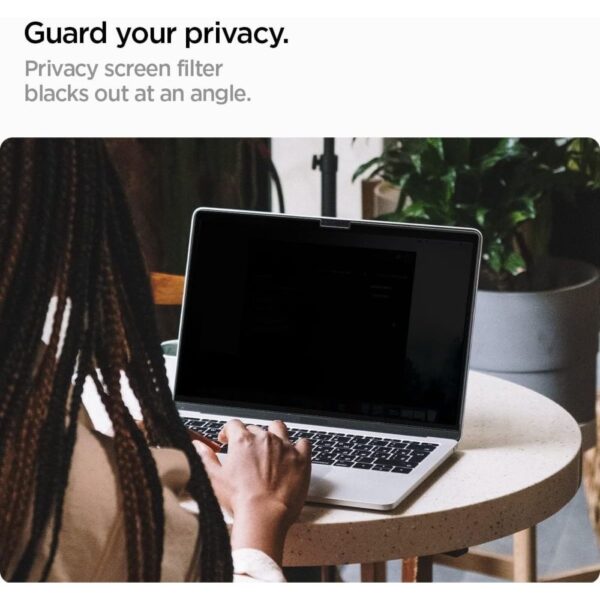
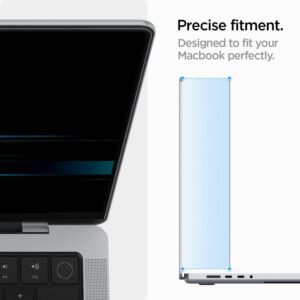
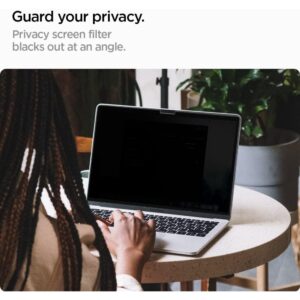
The privacy filter works effectively at any viewing angle, shielding the screen from unwanted side glances. Despite the privacy technology, the displayed image quality remains high – colors are accurate and the image is clear. At just 0.65 mm thick, the screen protector barely impacts your MacBook’s profile, maintaining its slim profile. The precisely crafted cutout ensures full functionality of the camera and sensors, and the black frame around the screen protector blends harmoniously with the device’s design.
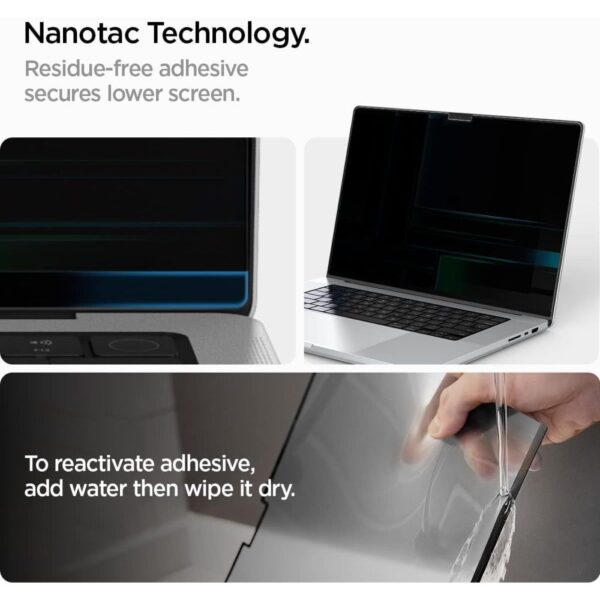
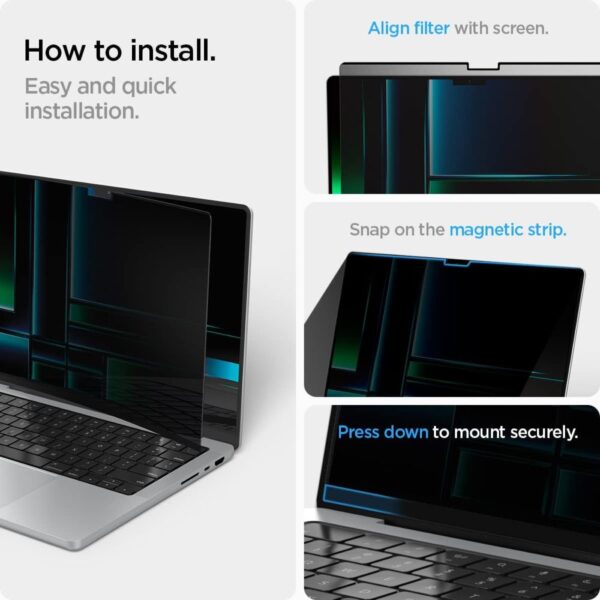
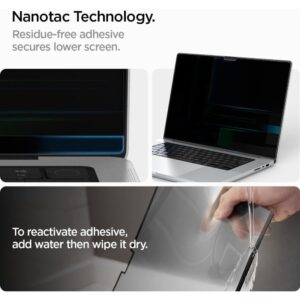
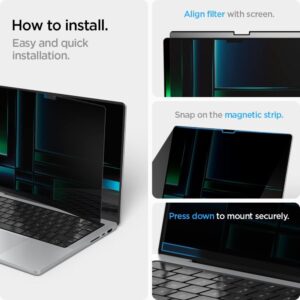
The magnetic mounting system makes installation a breeze – simply place it on the screen, and the magnets will do the work themselves, without the risk of air bubbles. Spigen designs its products with sustainability in mind, so the SafeView screen protector is reusable. The process of regenerating the adhesive layer is simple and requires no specialized tools – simply rinse the film with clean water and dry thoroughly before reinstalling.
Product Features
100% Original
Packed in original packaging
Privacy filter
Magnetic mounting system
Reusable
Precise camera cutouts
Preserves image quality
Black bezel tailored to the device
Specifications
Type
Magnetic privacy film
Thickness
0.65 mm
Dimensions
307.6 x 209.03 mm
Compatibility
Apple MacBook Pro 14″ M1 / M2 / M3 / M4 / M5 2021-2025
Models
A2442, A2779, A2918, A2992, A3112, A3401, A3185, A3434
Package includes
1 × Spigen SafeView screen protector
1 × Installation kit
Instructions Installation
Thoroughly clean your MacBook screen of dust and fingerprints using the included cloth.
Remove the protective film from the adhesive surface of the Spigen SafeView filter.
Lay your MacBook open on a flat surface.
Place the filter on the top edge of the screen, aligning it with the device’s bezel.
Let the magnets do their work – the filter will adhere to the screen in the perfect position.
Gently smooth the film from the center out to the edges to remove any air bubbles.
Rašyti atsiliepimą gali tik prisijungę pirkėjai, kurie yra įsigiję šį produktą.







Atsiliepimai
Atsiliepimų dar nėra.